

Customer Online Purchase Guide
Add Items to Cart
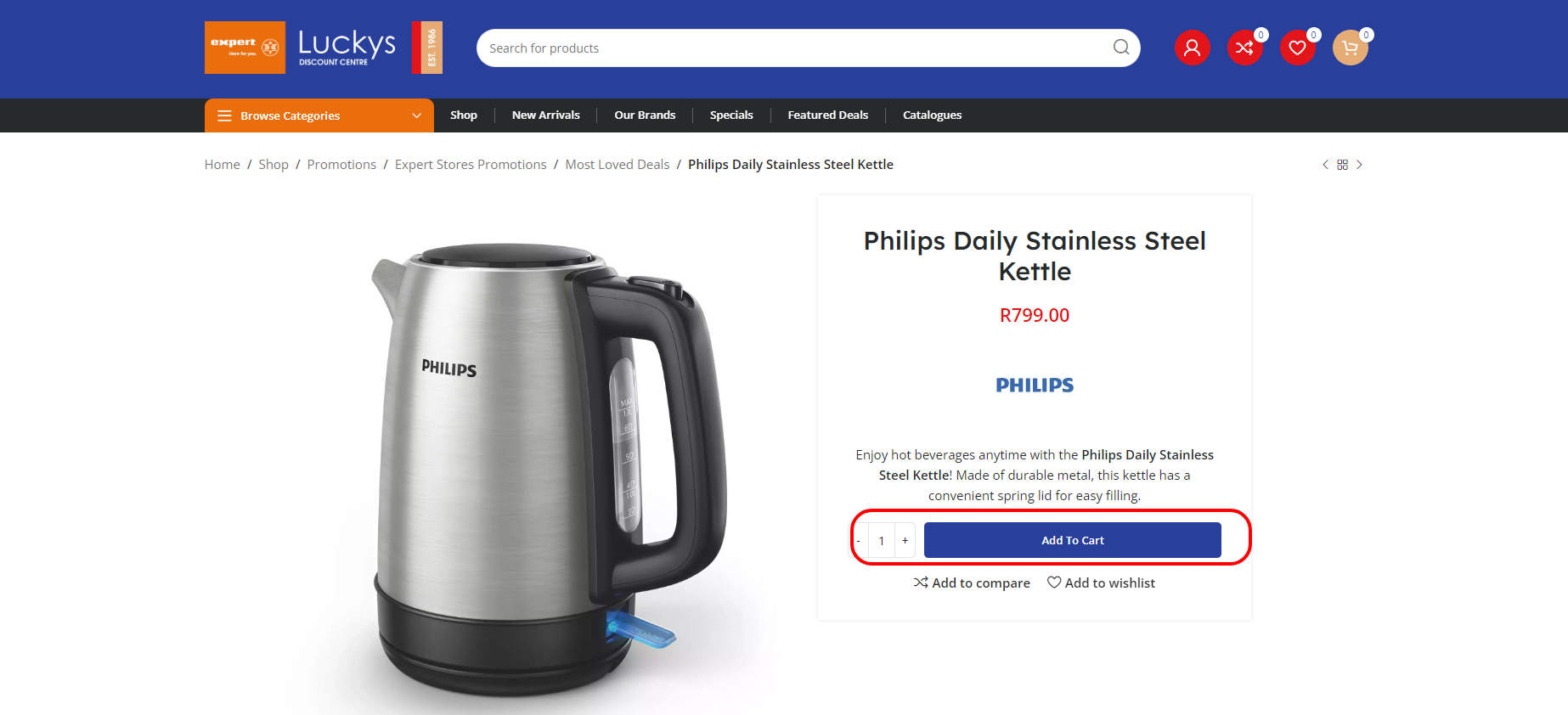
To make a purchase, add the item(s) you want to your cart via the Add to Cart button.
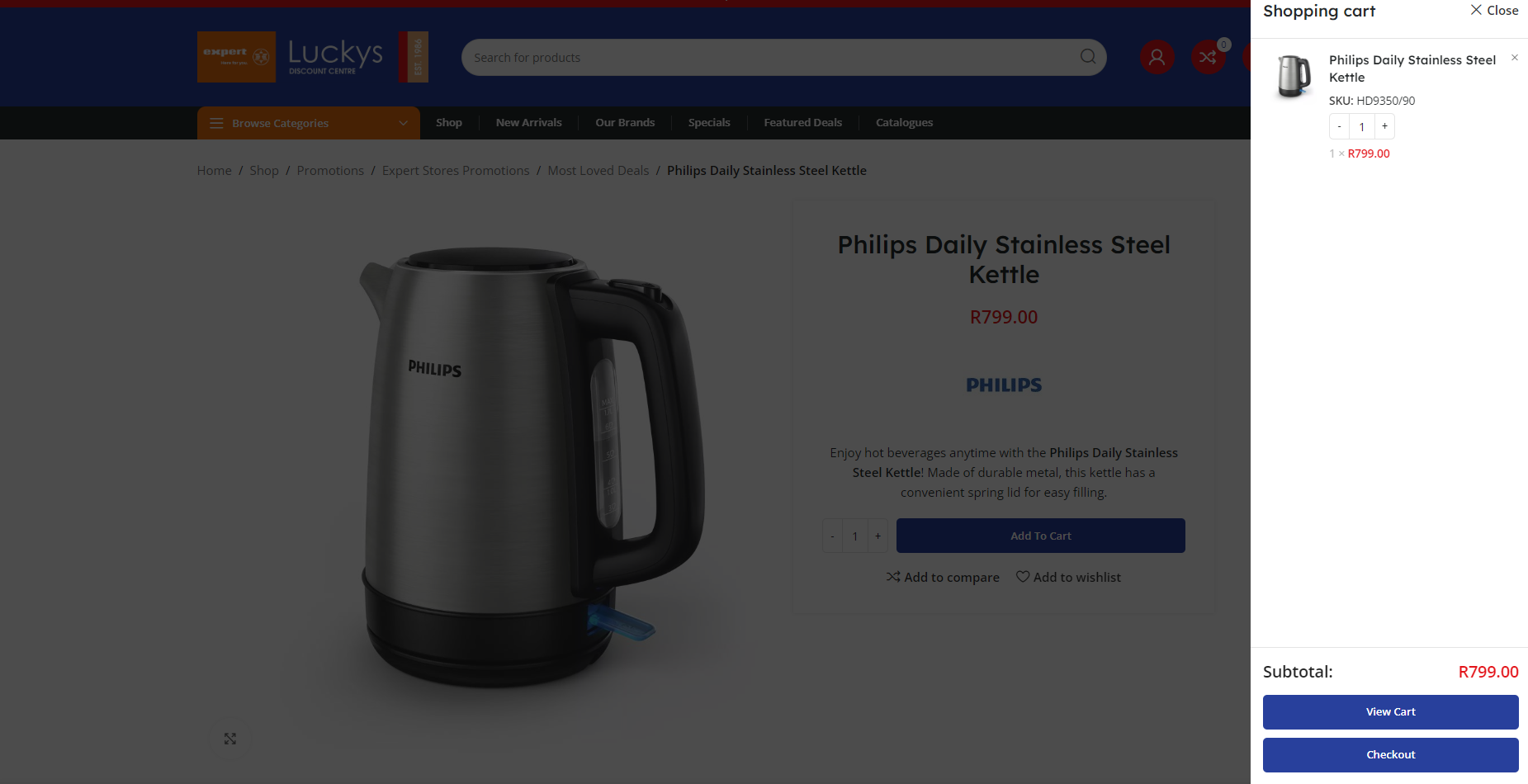
Viewing your cart
While viewing your cart, you can remove an item by selecting the X on the left of the item, change the Quantity of your items, Apply Coupons, Calculate Shipping or Proceed to Checkout.
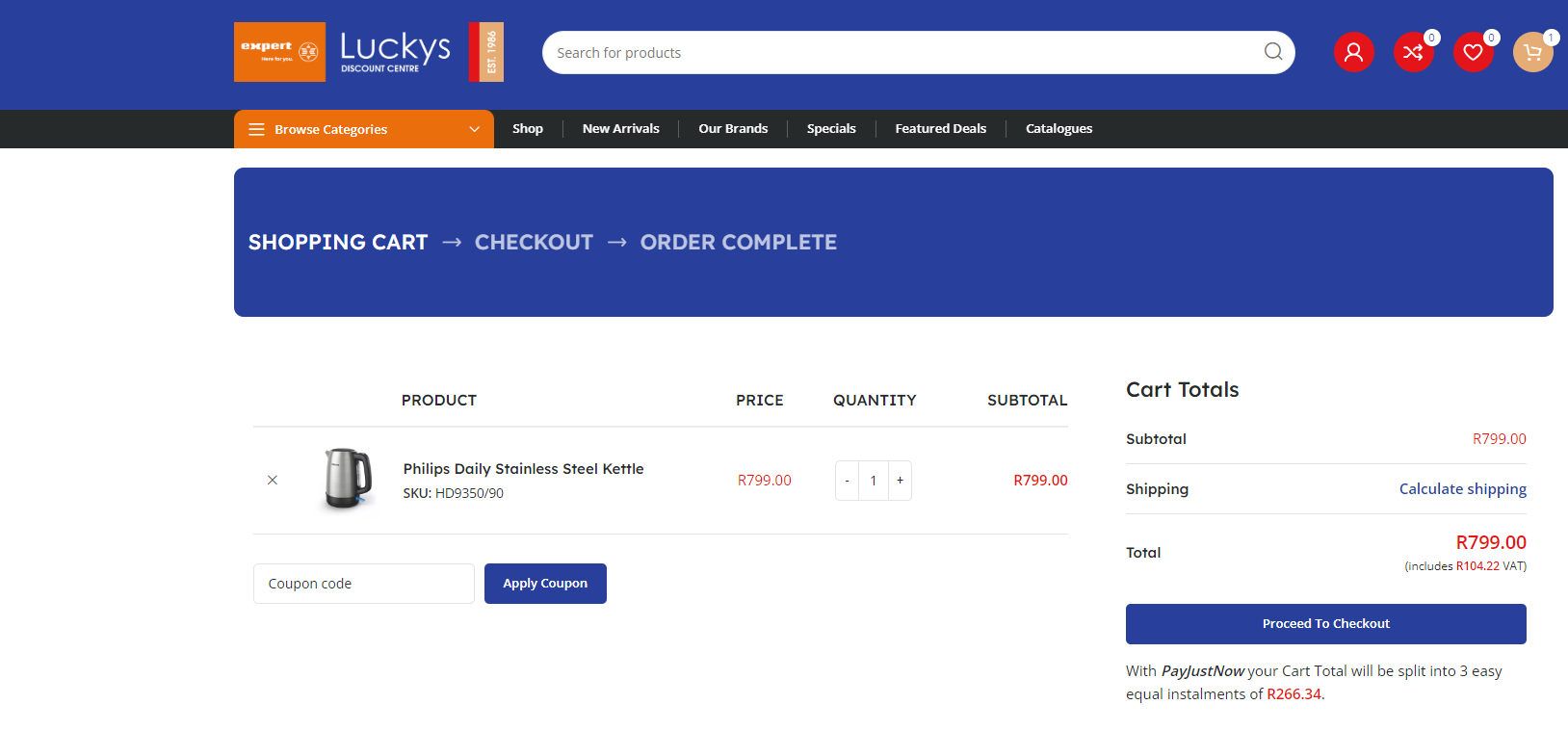
Calculate Shipping
To get an estimate on your shipping fee, click on Calculate Shipping, enter a valid Province, Town/City, Postcode/Zip and click Update.
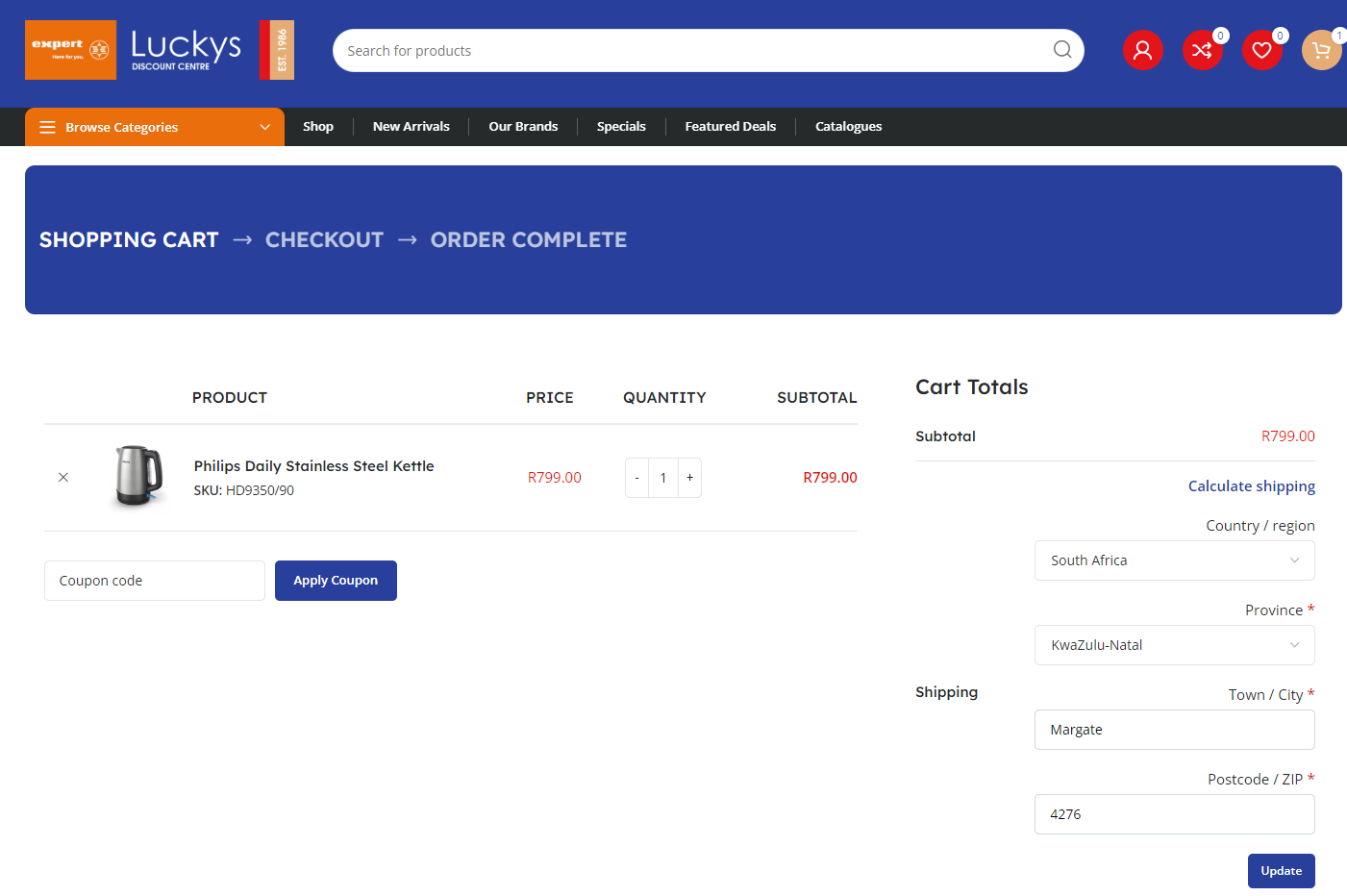
If all information is correct, you will see your shipping fee.
If you are in our local area you will also have an option to Pick up Instore.
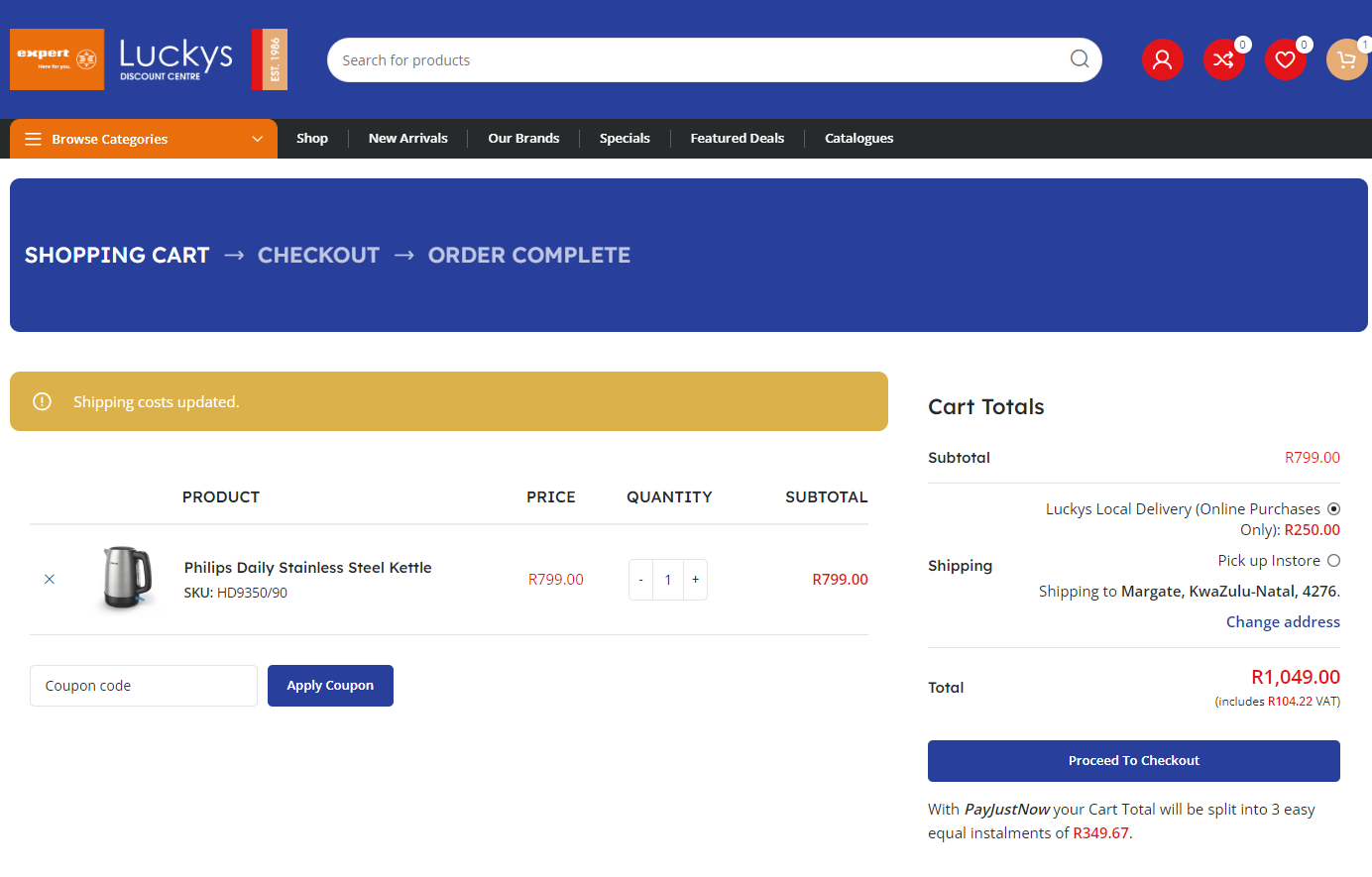
After you checked your shipping fee you can Proceed to Checkout.
Finalizing Order
If your shipping address is different from your billing address, please make sure Ship to a different address? is ticked and make sure the correct information has been entered.
*Kindly ensure that you enter the correct and accurate address details when placing your order. Providing incorrect addresses could cause significant delays in receiving your delivery.
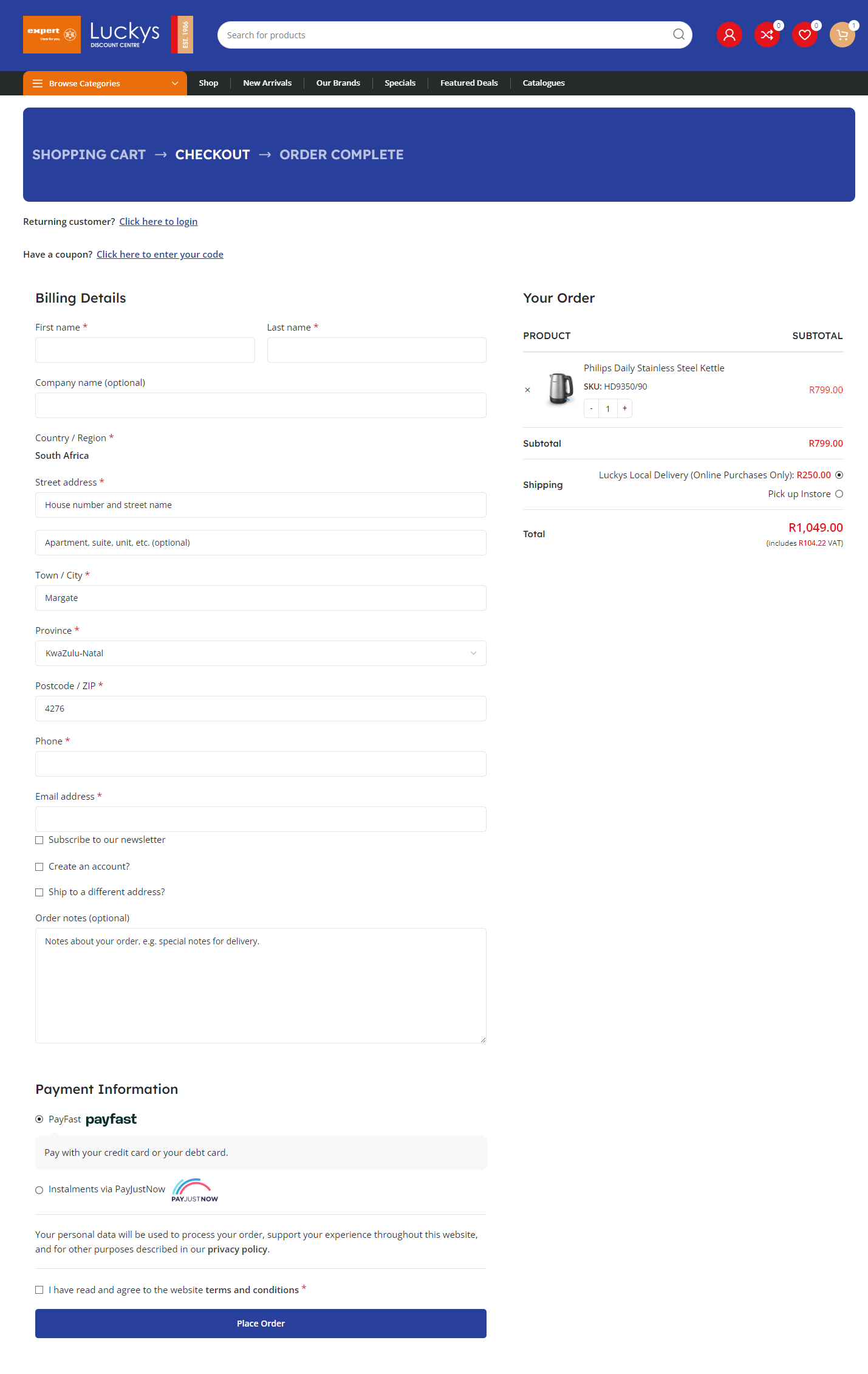
If you created an account and entered your Address Details via your Account Menu, the information field will be filled out and you won’t need to enter all the details again. (See guide on Account Creation.)
Once all the information in the form has been entered, select your payment method and make sure all the information is correct before selecting Place Order.